

Step 1
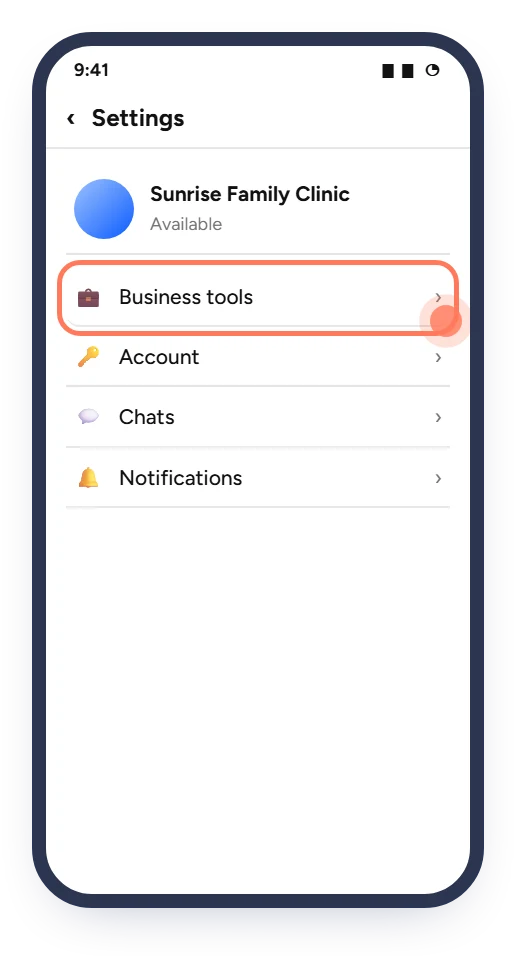
Open Business tools
In WhatsApp Business, open Settings (the ⋮ menu on Android, the Settings tab on iPhone) and tap Business tools.
Put the link in your WhatsApp Business profile once, then send it whenever a patient messages you to ask for an appointment.
You need: the WhatsApp Business app and your booking link · Time: about 3 minutes
The screens below are simplified illustrations. Button names and positions can change slightly between app versions and phones. The ringed spot on each screen is what you tap.
In WhatsApp Business, open Settings (the ⋮ menu on Android, the Settings tab on iPhone) and tap Business tools.
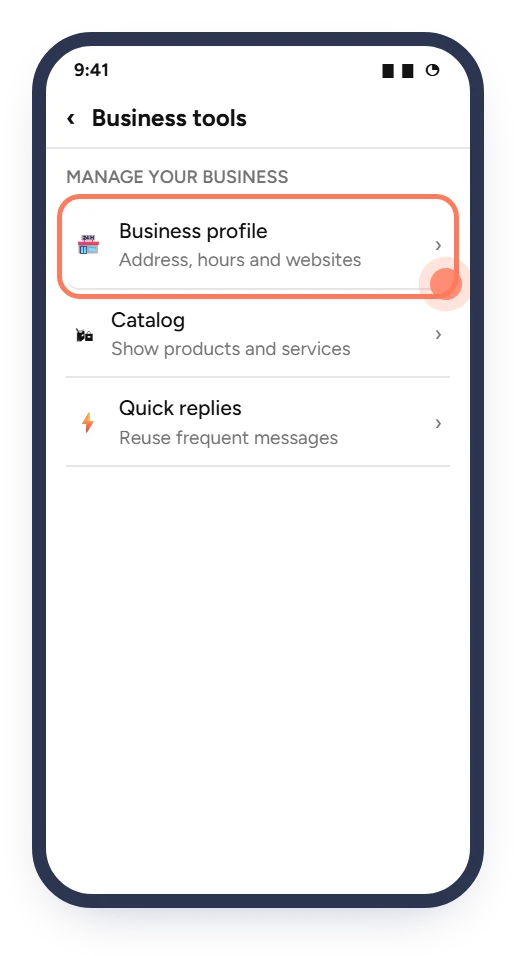
This is where your address, hours and website are kept.
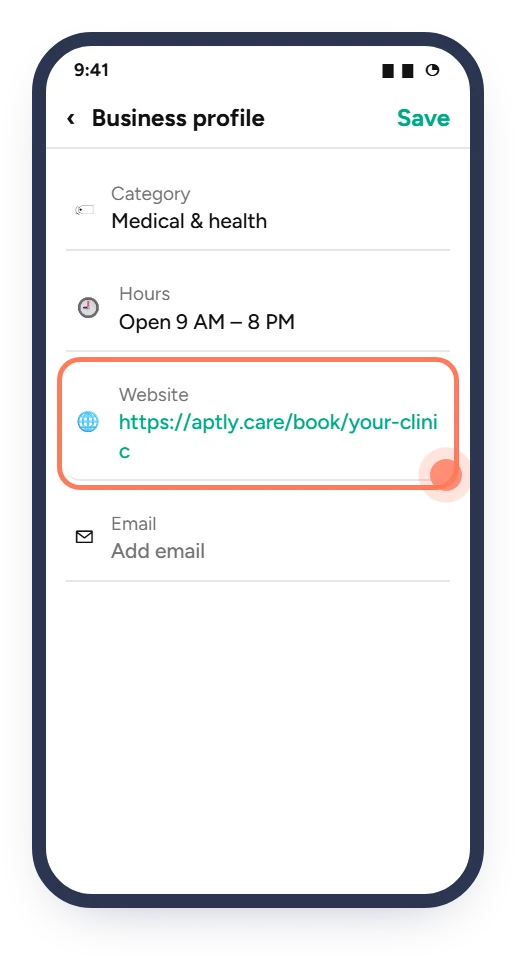
Tap Website, paste your booking link and save. Patients now see it when they open your clinic's profile.
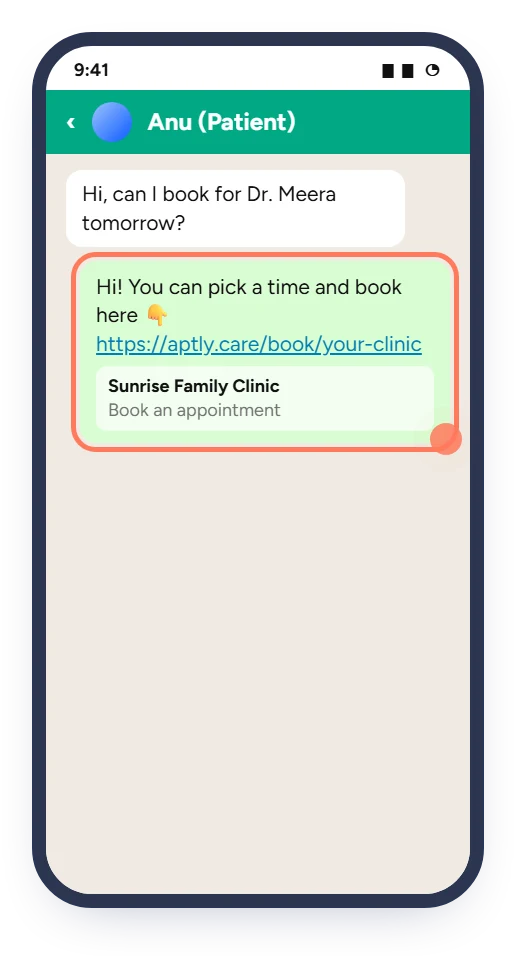
When a patient asks for an appointment, reply with the link. Save the message below as a Quick reply (for example /book) so it takes one tap.
In the Updates tab, add a text Status with your link. Repeat it every week or two so regular patients see it.
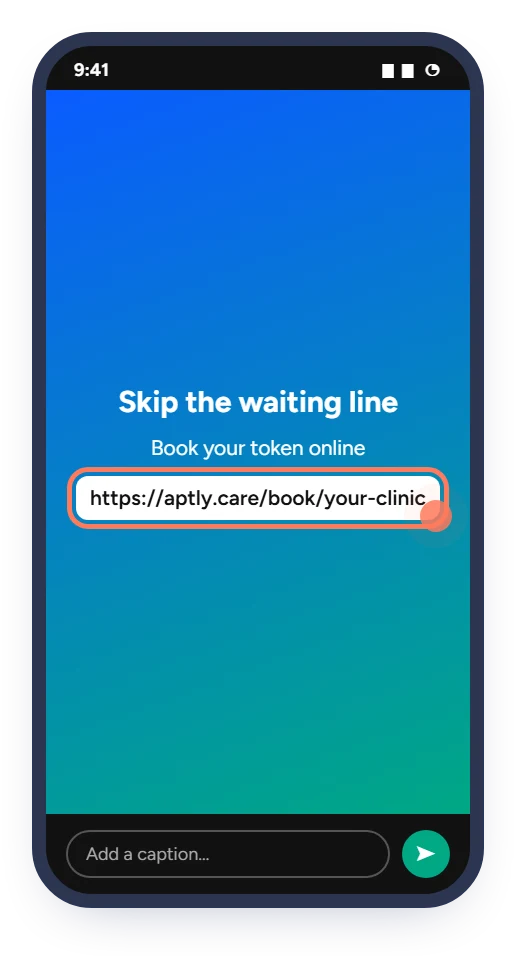
Replace the clinic name and link with your own:
Hello! 👋 You can now book your appointment at [Your Clinic Name] online. Choose your doctor and time here:
https://aptly.care/book/your-clinic
No need to call or wait in line.Make the Website button on Google Search and Maps open your booking page.
Read the guide 2 minAdd your booking link to your bio, posts, reels and stories.
Read the guide 10 minPrint your booking QR code so patients can book their next visit from the waiting area.
Read the guideHealthcare, Connected.
Ask Aptly Care support and we will help you get set up.